

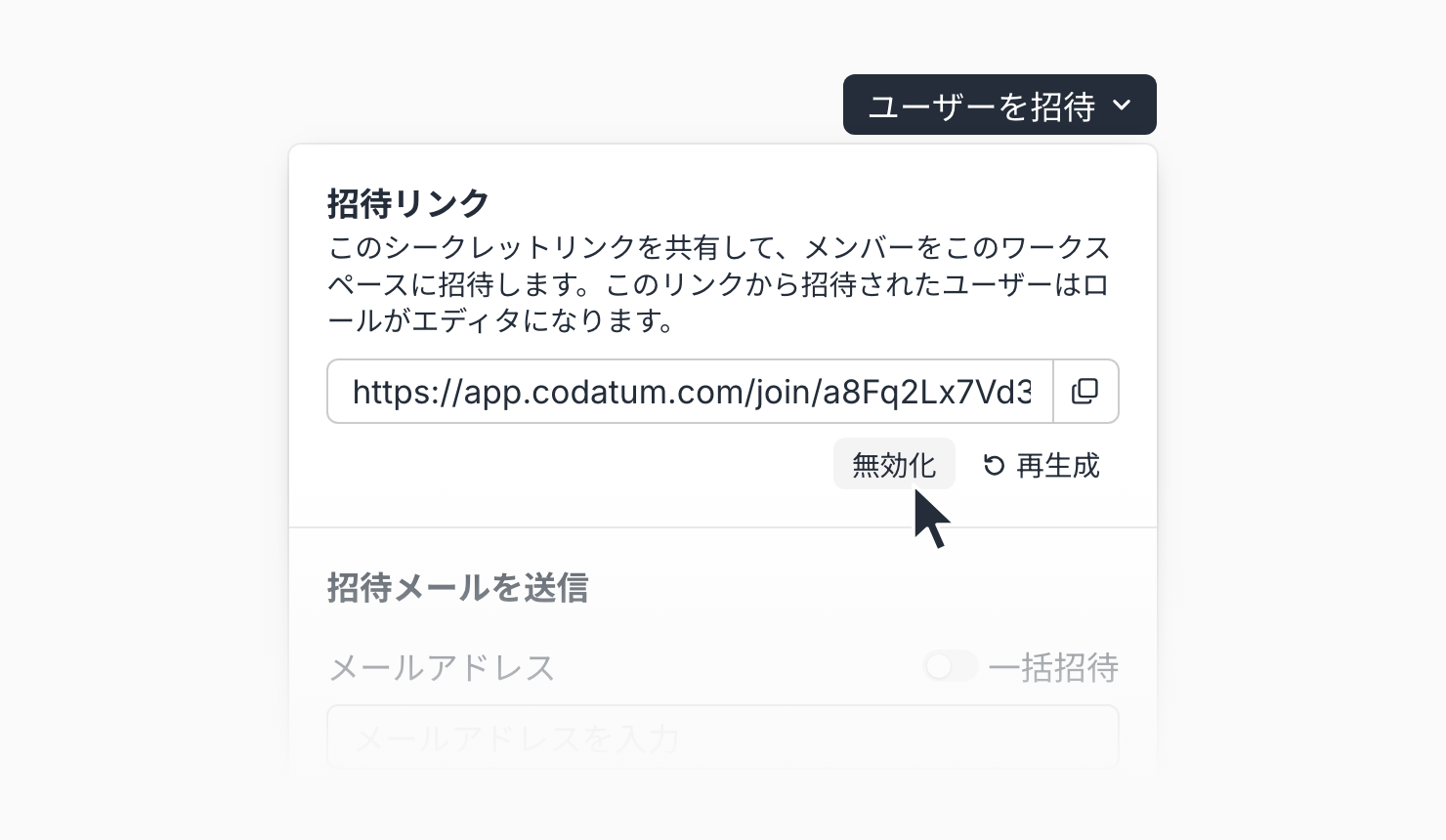
Disable Your Workspace Invite Link
You can now disable your workspace's invite link. When a shared link is no longer needed, or may have reached someone it shouldn't have, you can turn it off so it no longer works.
New workspaces also no longer come with an invite link by default. Admins generate one only when they want to use it. Invite links in existing workspaces keep working as before.
Key features
Disable the invite link: In Workspace settings > Users > Invite users, select Disable under Invite link. The current link stops working, and the workspace goes back to having no invite link.
Generate only when needed: When there is no invite link, create one with Generate invite link. A link generated after disabling is different from the previous one.
Confirmation before changes: Disable and Regenerate ask you to confirm before the current link stops working.
Clear message for invalid links: Anyone who opens a disabled or regenerated link sees "This invite link is no longer valid" and is asked to request a new link from the workspace admin.
Example use cases
Disable the invite link once you've finished onboarding your team, so no unused link is left behind.
If a link posted in Slack or a document may have been shared outside your company, disable it right away to stop new members from joining.
In new workspaces, invite people by email or allowed domains, and generate an invite link only when you need one.
Related documentation
Availability
Available on all plans. Generating, regenerating, and disabling the invite link requires the member management permission.
Users who join via the invite link are assigned Workspace Editor, and the link itself has no expiration date. The invite screen shown right after creating a new workspace does not include an invite link; to invite people with a link, generate one from Workspace settings > Users.