

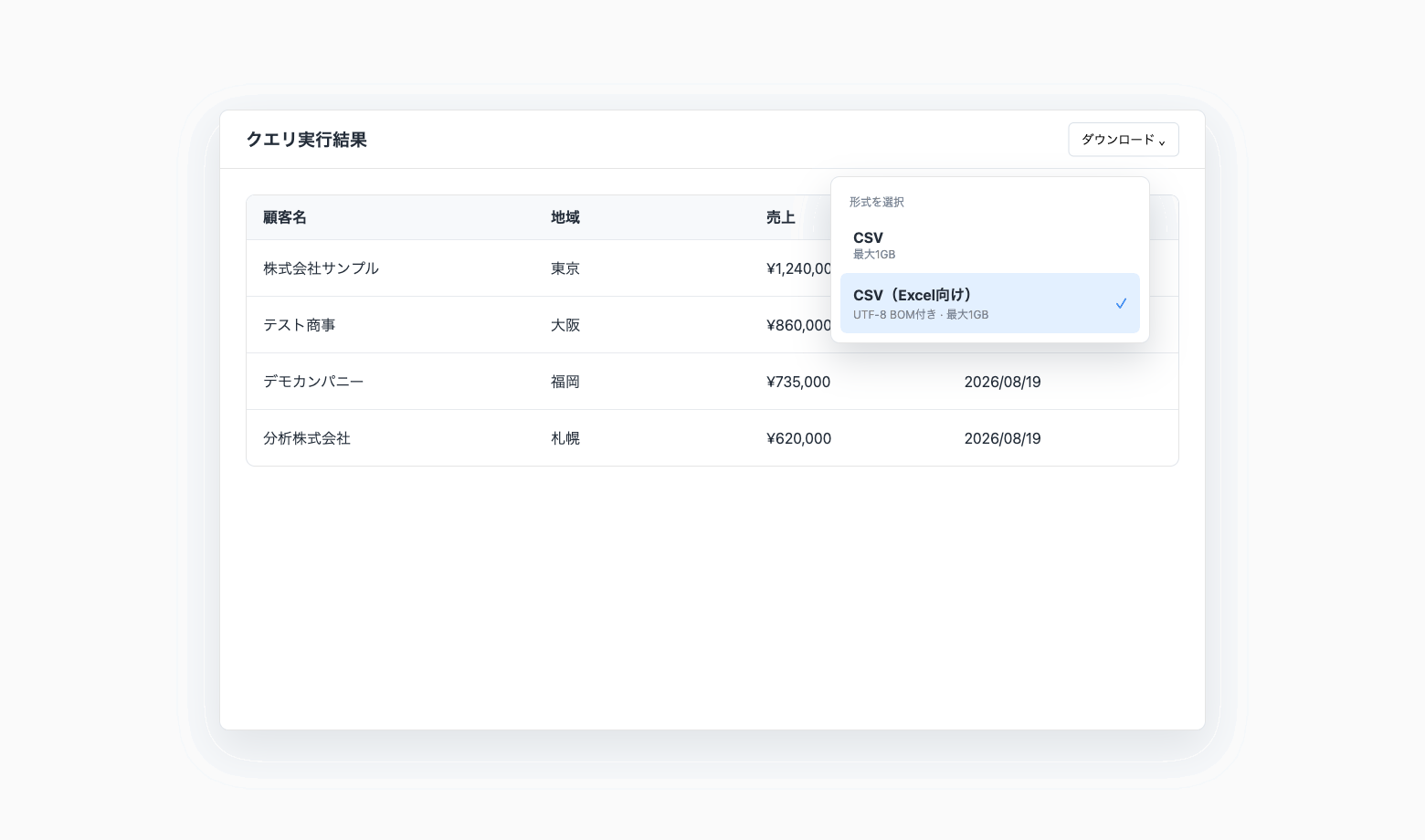
CSV Downloads Optimized for Excel Are Now Available
We’ve added a new CSV (Excel) option for downloading query results.
Standard UTF-8 CSV files containing Japanese or other non-ASCII characters can sometimes display incorrectly when opened directly in Excel. The new CSV (Excel) format includes a UTF-8 byte order mark (BOM), allowing Excel to recognize the encoding more reliably.
Key features
Designed for Excel: Files include a UTF-8 BOM to help prevent character encoding issues when opening data containing Japanese or other non-ASCII characters.
Choose the format that fits your workflow: The existing CSV format remains available. Use CSV (Excel) for opening data in Excel and standard CSV for programmatic processing.
Available across result views: Use the new format when downloading query results from SQL blocks, Grid Pages, charts, Explorer, saved queries, and other supported views.
Downloads up to 1 GB: The same maximum download size as the existing CSV format.
Use cases
Review sales or customer data containing non-ASCII characters in Excel.
Share weekly or monthly query results with team members who use Excel.
Continue analysis or build reports in Excel using data prepared in Codatum.
Related documentation
Availability
CSV (Excel) is generally available.
For downloads from notebooks, Explorer, and saved queries, you need permission to run SQL and download execution results on the relevant connection. Reports do not require connection permissions, but downloads must be enabled in the report’s publishing settings. For Signed Embeds, downloads must also be enabled in the publishing settings.
The CSV (Excel) format includes a UTF-8 BOM. For programmatic processing or tools that do not require a BOM, continue using the standard CSV format.