

Attach PDF and Excel Files to Codatum Agent Chats
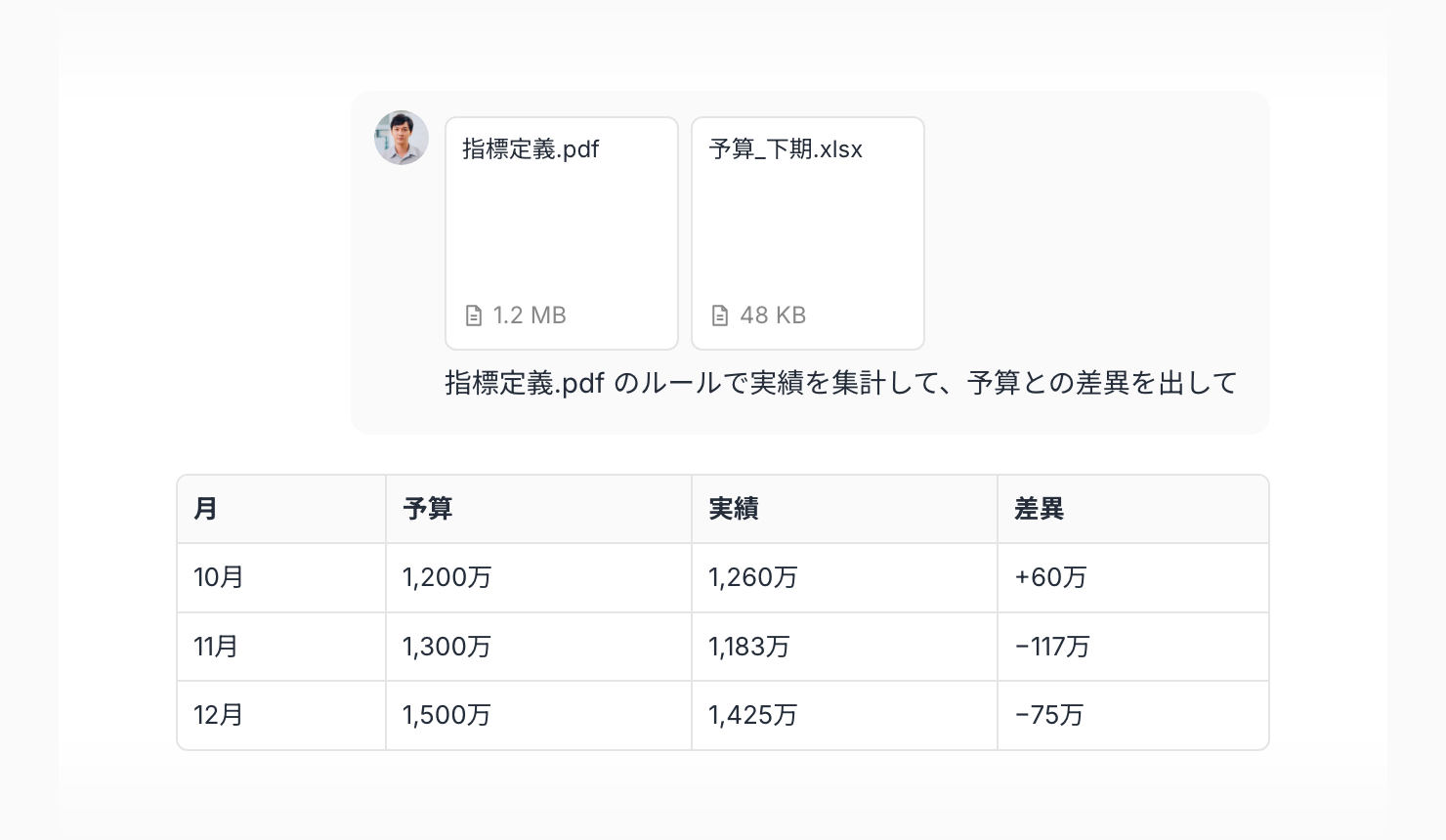
You can now attach PDF and Excel (.xlsx) files to your chats with Codatum Agent. Share documents or spreadsheets you have on hand and ask Codatum Agent to summarize them, answer questions about them, or compare them with figures in your data warehouse.
Attach files as before: choose Attach files under Add (+) in the chat input, or drag and drop files onto the input.
Key features
Read text in PDFs: Codatum Agent reads the text on each page, including text added as annotations and values entered in form fields
Read every sheet in Excel files: Codatum Agent reads cell values on all sheets. For cells with formulas, it reads the calculated values
Attach alongside existing formats: PDF and Excel join images, CSV, TSV, TXT, Markdown, and JSON. You can attach up to 10 files to a single message
Example use cases
Attach a PDF from a business partner, have Codatum Agent summarize the key points, and then aggregate the related figures from your data warehouse
Attach the Excel file you use to manage budgets or targets and have Codatum Agent compare it with actuals in your data warehouse to find gaps
Attach a PDF describing your metric definitions and aggregation rules, and have Codatum Agent write SQL that follows them
Related documentation
Availability
Attached files are read-only; Codatum Agent does not edit them. Each file can be up to 10 MB. PDFs can have up to 500 pages, and Excel files can be up to 50 MB when uncompressed.
Codatum Agent cannot read figures or images in PDFs, text in scanned pages, or formatting, charts, or images in Excel files. Password-protected PDFs, PDFs with no readable text, and legacy Excel files (.xls) cannot be attached.
Attached content may be sent to the LLM service configured in your AI profile.