

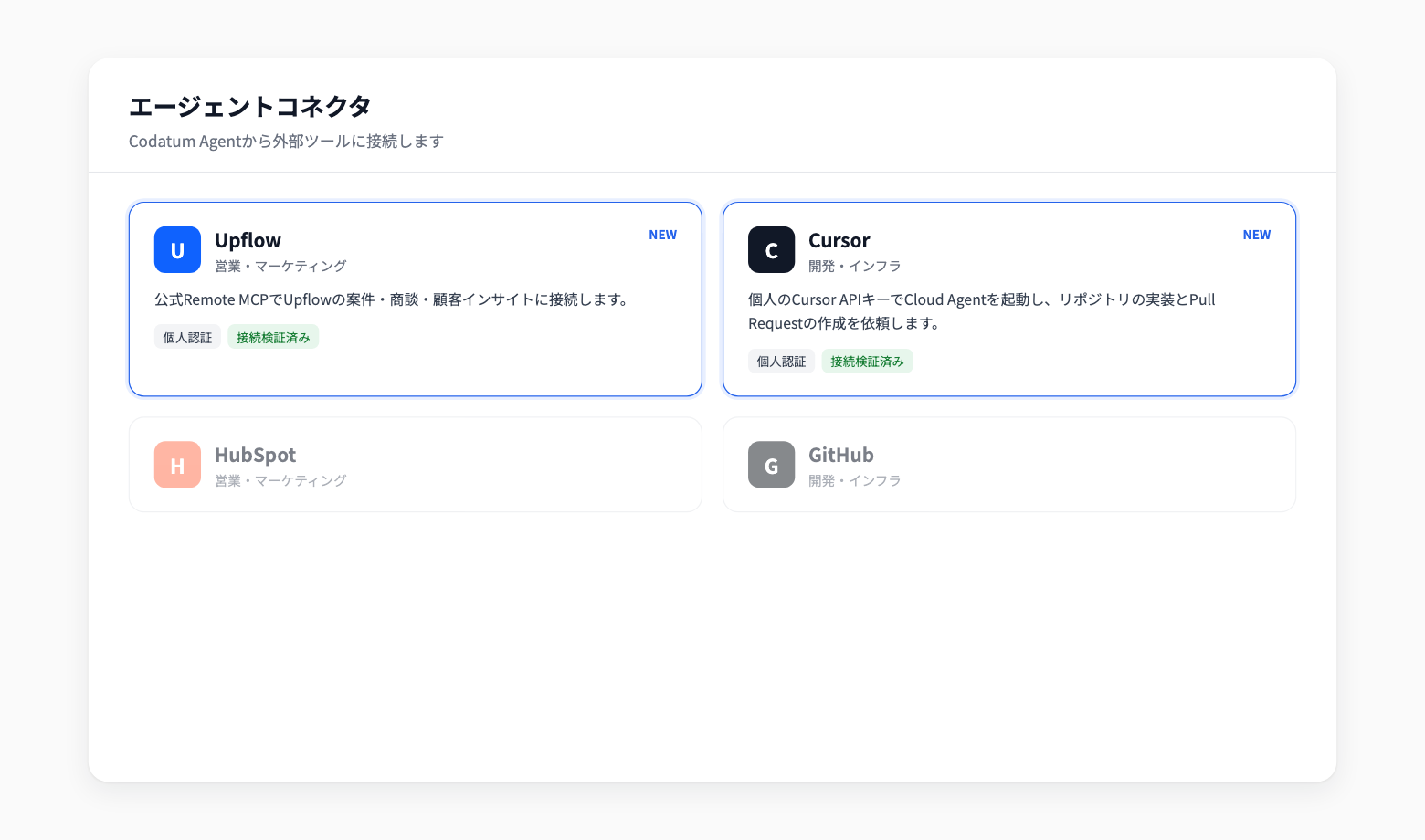
Upflow and Cursor Added to Agent Connectors
Upflow and Cursor are now available as built-in Agent Connectors. From Codatum Agent, you can look up opportunities and sales conversations in Upflow, or ask a Cursor Cloud Agent to implement changes.
Each user connects with their own account. Upflow previously required contacting us; it can now be added to a workspace and used right away.
Key features
Upflow: Connects through Upflow's official remote MCP. Search opportunities and check their current state, review sales conversation analytics, topics, and transcriptions, and search customer voices linked to opportunities
Cursor: Use a personal Cursor API key to start Cloud Agents that implement changes in a GitHub repository and open pull requests. Check progress and send follow-up instructions from your conversation with Codatum Agent
Personal authentication: Upflow uses each user's own Upflow account, and Cursor uses each user's own API key. What can be read or changed follows the permissions of that account
Example use cases
Combine Upflow sales conversation records with product usage and revenue data in your warehouse to analyze deal status
Search customer voices and compare them with product usage to prioritize improvements
Turn an issue found during analysis into a fix by asking a Cursor Cloud Agent to open a pull request
Related documentation
Availability
Adding a connector requires permission to change workspace settings. After it is added, each user authenticates with their own account. Actions that Codatum Agent takes through a connector are confirmed according to your approval mode.
Cursor's Cloud Agents API is offered by Cursor as a public beta. Codatum is not notified when a Cloud Agent finishes, so ask Codatum Agent to check its status.